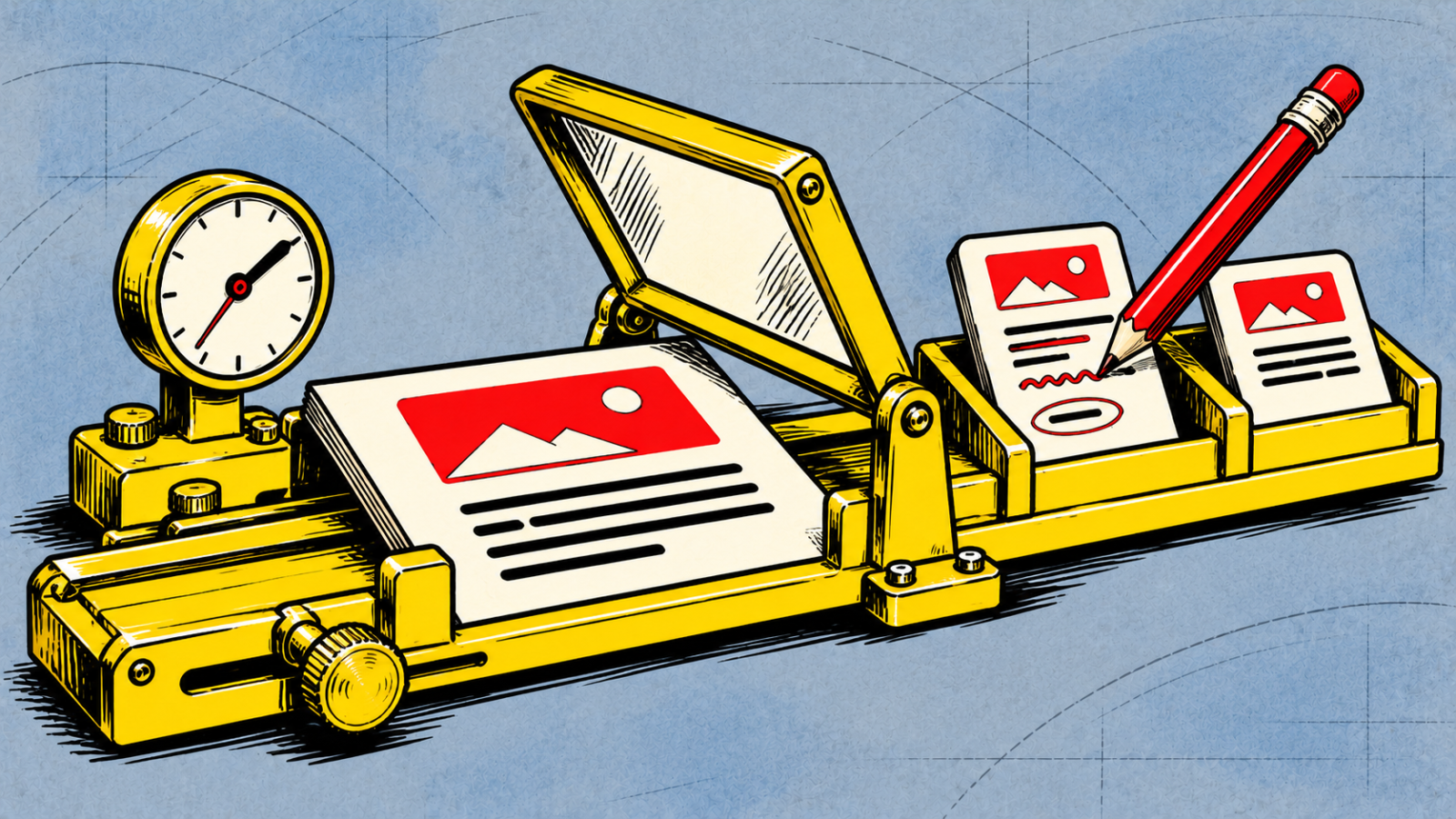
Follow one article all the way through
Perhaps your team can write an article in the CMS, but getting it approved means sending documents around. Or a later correction reaches the main website and misses another language. If either happens in your team, describe the problem before you ask for a new publishing system.
A CMS, or content management system, is where people prepare and manage the content a website uses. Whether you need a custom one depends on the work it must support, including what happens after publication.
Consider a hypothetical publisher preparing an article in two languages for two websites. A writer creates it, an editor reviews it, and a publishing editor decides when it goes live. Later, the team corrects a fact and reuses part of the article in another piece. Use an invented article to walk through that whole journey with the people who do the work.
Creation: give the content a useful home
Have the writer enter the headline, main text, images, captions, credits and any information another page will need. Then ask them to find and update those items. If a credit lives only inside a caption, can it be found when the image is reused?
Structured content means storing things such as an author, event date or product specification in their own fields so the system can use them consistently. Needing those fields does not by itself mean you need a custom CMS. WordPress, for example, documents custom post types for different kinds of content.
Ask whoever maintains your current CMS to show how the example fits. Separate a missing field from a deeper problem, such as being unable to keep the same source article linked to its language versions. Those may need very different changes.
Review and revision: make the decision clear
Now let the editor return the draft with a requested change. The writer revises it and sends it back. Can both people tell which version is being reviewed? Can the publishing editor approve that version without giving the writer permission to publish?
Existing CMS products already distinguish responsibilities. The WordPress roles and capabilities documentation describes different editing, publishing and administration rights. Several editors are therefore a reason to check permissions, rather than automatic evidence for a rebuild.
Roles alone do not demonstrate your complete approval process. In this example, change a paragraph after approval and see what happens. Decide whether that change must return to review, who can allow an exception, and how the team will see the decision. Ask for a demonstration with the accounts the writer and editor would actually use.
Keep the example specific. “We need approval” leaves too much open. “When an approved article changes, the publishing editor must review the changed version before it can go live” gives a supplier something concrete to demonstrate.
Scheduling: check the version that will go live
Have the publishing editor schedule the approved article. Then make a final edit before the planned time. Which version is now scheduled? Is the language version ready too? Can one website publish while the other waits?
Write down the intended answer before testing the software. Your publisher might require both languages to appear together, or allow them to follow separate schedules. Either can be a valid editorial choice. The CMS needs to show the team what will happen and let the right person change it.
A successful demonstration should include postponing the article and checking the public preview for each intended destination. A date field on its own does not establish that the whole publication process works.
Correction and reuse: the work continues after publication
In our example, a reader spots a factual error the next day. Let the editor prepare a correction while the published article remains available. Check who may approve the change, whether the previous wording can be recovered, and how you record the reason for the correction.
Next, follow the correction to the other language and website. The team needs to know which versions need attention and who will deal with them. Automatic changes may suit a shared date or specification; translated prose may need someone to revise and approve it. Decide what should be shared and what needs its own editorial decision.
Finally, reuse a paragraph and image in a new article. Should the paragraph remain linked to the original, or become an independent copy? If the original changes again, should the new article change, receive a warning or stay as it is? Also check that the team has permission to reuse the material. A CMS feature does not grant content rights.
The useful test is whether the team can follow the approved content through publication, correction and reuse without losing track of which version belongs where.
Turn the demonstration into a gap list
Record what actually happened at each stage. For each entry, record the needed behavior, what the current setup demonstrated, what is missing, the proposed change and who would maintain it. Keep working capabilities on the list too, so a proposed replacement has to preserve them. For the hypothetical publisher, a few entries could look like this:
Already covered
Creation: the present CMS stores the article, image credits and language versions. The writer can find and edit them. Keep this behavior in any proposed change.
Needs a demonstrated solution
Revision: the demonstration did not show an approved article returning to review after a change. Ask whether configuration or a supported extension can enforce that rule.
Needs an editorial decision
Correction: the team has not decided whether the two websites must update together. Agree that rule before choosing software to enforce it.
Needs evidence from the supplier
Reuse: ask the supplier to show how linked copies, image credits and correction history can be found and exported. Record any omissions and their consequences.
Compare the current CMS, extensions and custom work
Work through the gap list with the current CMS first. A setting, a clearer editing screen or a change in how the team uses an existing feature may cover part of it. Confirm the result in the version and setup you actually run.
For a remaining gap, ask what supported extensions can do. Have the supplier demonstrate the same article journey, including a revision after approval and a correction after publication. Establish who maintains the extension, checks it after CMS updates and fixes incompatibilities. Agree who notices and handles a failed publication or correction, too. Adding a feature also adds something someone must look after.
Custom work becomes a serious option when essential rules still cannot be handled acceptably, or the additions needed would leave an arrangement your team cannot reasonably maintain. That might mean a focused extension to the existing CMS or a separate custom system. The gap list helps define how much needs to be built.
Compare the continuing work as well as the initial price: updates, permissions, backups and recovery, editorial training, support and exporting the content if you leave. Ask for a sample export and check whether it includes the fields, relationships, media, language versions and useful revision history you need. Do this for existing products and custom proposals alike.
The UK government’s technology purchasing guidance considers adapting existing products and building software alongside needs and ongoing supplier management. It supports asking these wider questions; it does not pick a CMS for your publisher.
Keep the public redesign as a separate decision
Readers see article pages, navigation and search. Editors use fields, review steps and publication controls. Both matter, and they can be connected, but a dated public design does not establish that the editorial system needs replacing.
Describe the public changes and the editorial gaps separately. Then ask which work can be done independently and where they depend on each other. This keeps a new article layout from quietly turning into a replacement of a publishing process that already works.
We provide custom CMS development. If you want help working out what needs to change, bring one representative article and the gap list from its journey. Scope, licensing, handover and ongoing care are agreed for the particular project.
Questions before you choose a CMS
Do several editors or multiple languages mean we need a custom CMS?
No. Existing products can support different roles and content structures, and their language facilities vary. Test your actual creation, review, scheduling and correction process before deciding that essential behavior is missing.
When can configuration or an extension be enough?
When it covers the required steps and permissions in your actual setup, and someone can maintain it. Demonstrate changes after approval and corrections after publication, rather than checking only how a draft is created.
What should we check about corrections and exports?
Decide who approves a correction, how previous wording is retained and how other sites, languages and reused copies are identified. For exports, inspect a sample for the content, media, relationships and useful history your team needs.
Can we redesign the website without replacing the CMS?
That depends on the current setup and proposed design. Define the public page changes separately from editorial requirements, then ask the supplier to explain the dependencies. A visual redesign alone does not prove that a new CMS is necessary.