
Can an Automated Accessibility Score Prove Our Website Is Accessible?
A high automated accessibility score cannot prove that your whole website is accessible. Before accepting the work, ask which pages and form states were tested, what people checked themselves and what still needs attention.
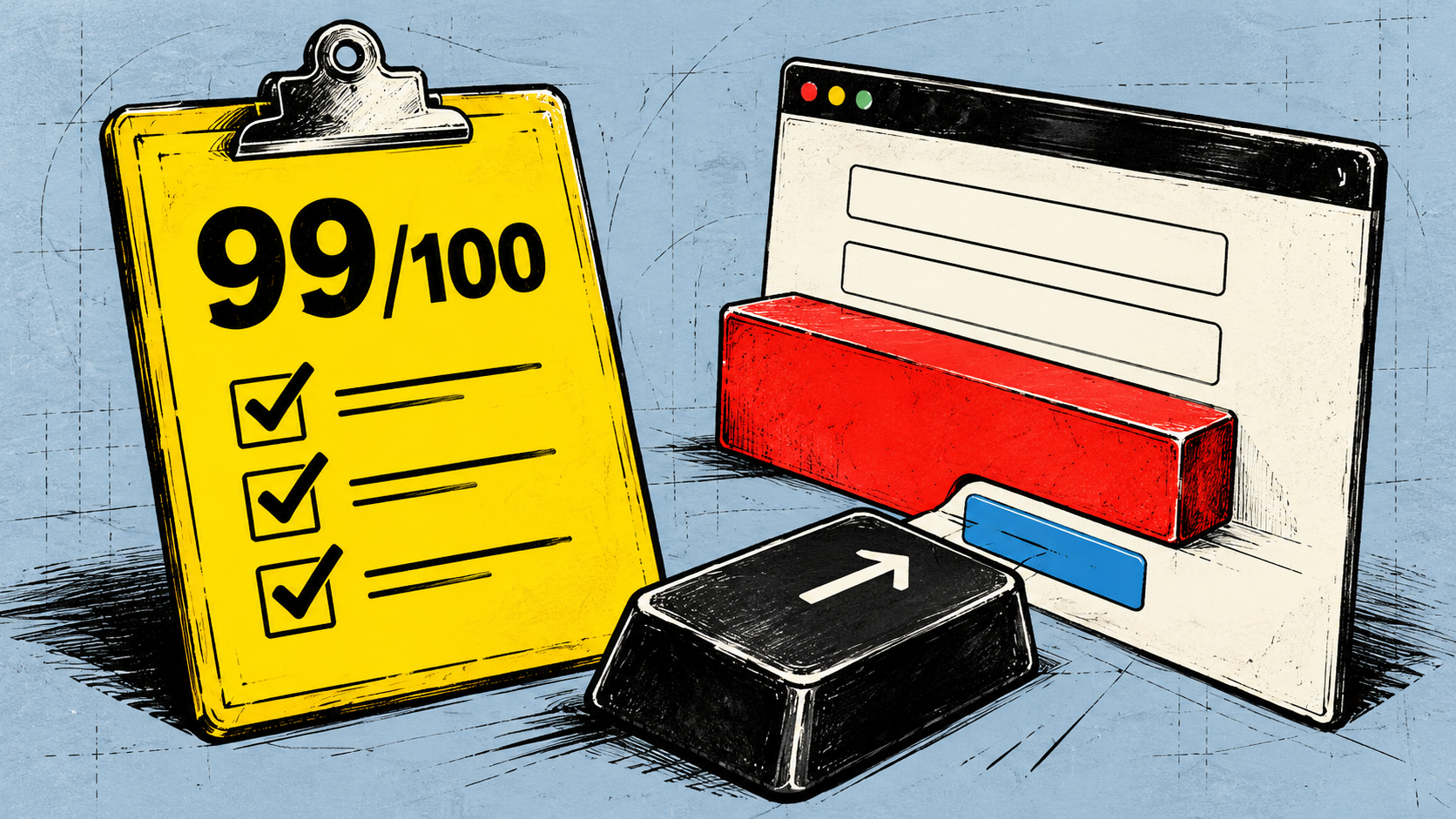
If a supplier shows you a high accessibility score and asks you to accept the work, the score alone is not enough. It tells you about the automated checks that ran on the content examined. You still need to know what was tested, what people checked themselves and what remains open.
Automated checks are useful. They can find barriers and help check whether a correction worked. The problem comes when a result for those checks becomes a claim about the whole website.
What does the score actually count?
Take Lighthouse as a concrete example. Its accessibility score uses weighted pass-or-fail audits. Some checks contribute more weight than others. Manual audits do not contribute to the score, and neither do some low-impact or best-practice audits. That is how Lighthouse calculates its result; another tool may work differently.
A high Lighthouse score therefore describes how the tested content performed in the automated audits contributing to that result. It does not tell you that the manual checks passed. Nor does it establish what happens on pages or interface states that were never examined.
Before drawing a wider conclusion, ask which tool and version produced the result, which pages it examined and which states of those pages were included. A contact form before submission, after an error and after a successful submission presents different things to check.
W3C's guidance on choosing evaluation tools explains that tools differ in coverage and cannot automatically check every aspect of accessibility. Human judgement is still needed. A useful report makes those limits visible alongside the findings.
A contact form can show where the questions change
Imagine a contact form with a field labelled “Reference”. This is a hypothetical example, not a finding about a particular website. An automated check may establish that the field has a label. A person still needs to judge whether “Reference” explains what to enter. An order number, a customer number or something else?
Now suppose someone leaves that required field empty. In an authorized test arrangement, use invented sample details to bring up the error. Does the message explain what is missing? Can someone using a keyboard reach the field, correct it and get to the submit button? With the relevant screen reader setup, can they find and understand the error?
After correction, check the confirmation too. Can the person tell whether their message was sent, or whether more action is needed? Keep the test in an agreed environment that avoids sending a real enquiry. There is no need to upload personal details to a public scanning service to demonstrate any of this.
The question is which of those states and behaviours the evidence covers. A scan of the untouched form leaves the error and confirmation unestablished unless they were also examined. A tool may help with checks in those states when they are included. Ask what actually ran rather than assuming every scanner either covers them or misses them.
Keep three different answers separate
Which automated rules passed? The tool's results can answer this for the content and states it examined. They can also identify failures to correct and retest.
Can people complete important work? Knowledgeable manual evaluation, checks with relevant input methods and assistive software, and involvement of disabled people can reveal further barriers. Record the work, pages, states and setups covered. Success with one setup leaves other setups open.
W3C's guidance on involving users explains how their experience complements evaluation against accessibility standards. A few successful sessions cannot establish that the website works for everyone. Manual evaluation also has a scope; “we checked it by hand” needs an account of what was checked.
Does the defined website scope meet the chosen standard? That needs an evaluation against that standard. W3C's conformance evaluation guidance describes defining scope, choosing a representative sample, evaluating and reporting. The report should explain what it covers and how the findings support its conclusion. A score or a successful form submission cannot answer that question on its own.
Ask for a report you can use
You do not need to become the person operating the testing tools. You do need enough detail to understand what you are accepting. Ask the supplier for a short account of:
- The tool and version, tested pages and interface states, and automated rules covered.
- The barriers found and the work they affect, such as correcting an error or sending an enquiry.
- The corrections made and what the retest showed.
- The manual and assistive-software evaluation performed, including its scope and setups.
- What remains untested or unresolved, and who will arrange the missing evaluation.
Keeping this information has a practical precedent: the UK Department for Work and Pensions' testing guidance describes its use of automated, manual and assistive-software checks and retained test records. That is the department's own practice, rather than a required package for every website.
You can accept a documented correction while keeping the broader accessibility question open. For example, a retest may support accepting the repaired label on the tested form, while evaluation of its error and confirmation states is still outstanding. Name the remaining work and agree who will handle it.
That gives you a useful basis for the next decision: fix known barriers and arrange the evaluation still needed. A higher number is useful only in the context of what was checked and what changed for the people using the website.