
Intuitive UI Depends on Who's Looking
Every client wants an intuitive interface. Almost nobody can tell you what that means.
Ask ten people and you get ten versions of the same vague sentence: "it should just make sense." That sounds like a standard. It isn't. It's a feeling, and feelings are not specifications.
Here is the part most articles get wrong. "Intuitive" is not a quality the interface has on its own. It's a relationship between the interface and the specific person using it. The same screen can be obvious to one person and unusable to another.
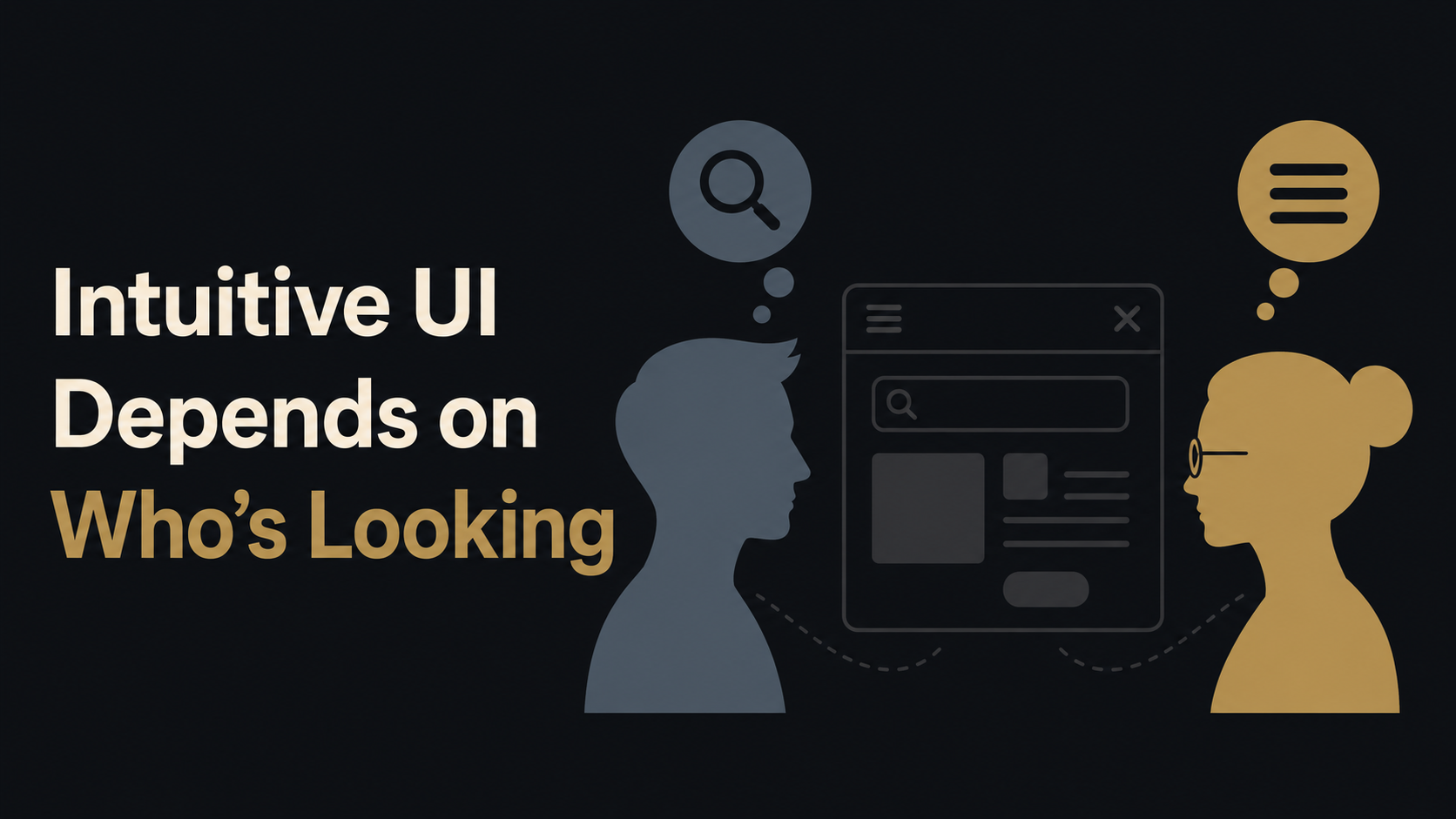
What "Intuitive" Actually Is
When something feels intuitive, you are not discovering it. You are recognizing it.
You know a magnifying glass means search. You know three horizontal lines mean a menu. You know the X in the corner closes the window.
None of that is natural.
A person who had never touched a computer would not guess any of it. You learned these things over years of using software, the same way you learned that a red light means stop. Now they feel automatic, so they feel intuitive.
So "intuitive" really means: it matches what this person already learned somewhere else. The interface lines up with expectations they walked in with. They don't have to stop and think, because they have done something like this before.
That is the whole mechanism. And it has one consequence that changes how you should think about the entire idea.
There Is No Intuitive in the Abstract
If intuitive means "matches what the user already knows," then you cannot judge it without naming the user.
A Bloomberg terminal is dense, packed with codes and shortcuts, and looks like a cockpit to a normal person. To a trader who works in it eight hours a day, it is fast and obvious. Slowing it down with big friendly buttons and tooltips would not make it more intuitive. It would make it harder to navigate and operate, because it would stop matching what that user expects.
A children's drawing app and a video editing suite are intuitive in completely different ways, to completely different people, and you cannot grade one by the other's rules. An interface for nurses, an interface for accountants, an interface for teenagers, and an interface for factory operators do not share one standard. They share a method.
This is why "make it intuitive" with no user attached is an incomplete sentence. You are asking the design to match expectations without saying whose expectations. There is no average human to optimize for.
The Job Is Finding the Right Prior Knowledge
Most of the time it is finding out what your actual users already know and matching it on purpose while staying true to your brand.
That means answering real questions before drawing a single screen. Who are these people. What tools do they use all day right now. What do they already expect a "save" to do, a swipe to do, a long press to do. Where do they come from, and what habits do they bring. The answers are different for a logistics dispatcher and a dental receptionist, so the intuitive interface is different too.
Sometimes the right move is to copy a competitor's layout almost exactly, because your users already live in that competitor's product and their hands already know where everything is. Familiarity beats originality here. A clever new pattern that nobody has seen before is, by definition, not intuitive yet. It might be better one day. On day one it is just unfamiliar.
This is also why chasing one universal, works-for-everyone interface produces something bland and slightly wrong for everyone. When you design for no one in particular, you get the beige average, an interface that offends nobody and fits nobody.
Even People in a Single Organization Are Different
When we are building software, app or a website for an organization, their internal tool has to serve people who come with different world views, with different ideas of what is “intuitive” to them.
That is why we are currently developing multiple different UIs for every Grace product and project built on Grace. Not just different color schemes, but real and meaningfully different UIs.
Watch our Updates section or LinkedIn to be the first to know when it’s coming live.
What This Means for Your Project
When someone promises you an intuitive interface, the right question back is simple. Intuitive for whom.
If the answer is a real, named group of users with described habits and tools, you are talking to someone who understands the work. If the answer is "for everyone, it'll just feel natural," - that does not exist.
At LINK-V we start from the user, not the screen. We figure out who actually sits in front of the product, what they already know, and what they expect before they have read a single instruction. Then we build the interface to meet them there. That is what makes software disappear, so the person using it thinks about their work and not about your buttons.
Intuitive is not a coat of paint you add at the end. It is a decision about who you are designing for, made at the beginning, and held to all the way through.