
Can We Move Our Website to Another Provider Without Rebuilding It?
Changing website provider does not always require a full rebuild. The answer depends on what can be accessed, exported, licensed, and operated outside the current platform.
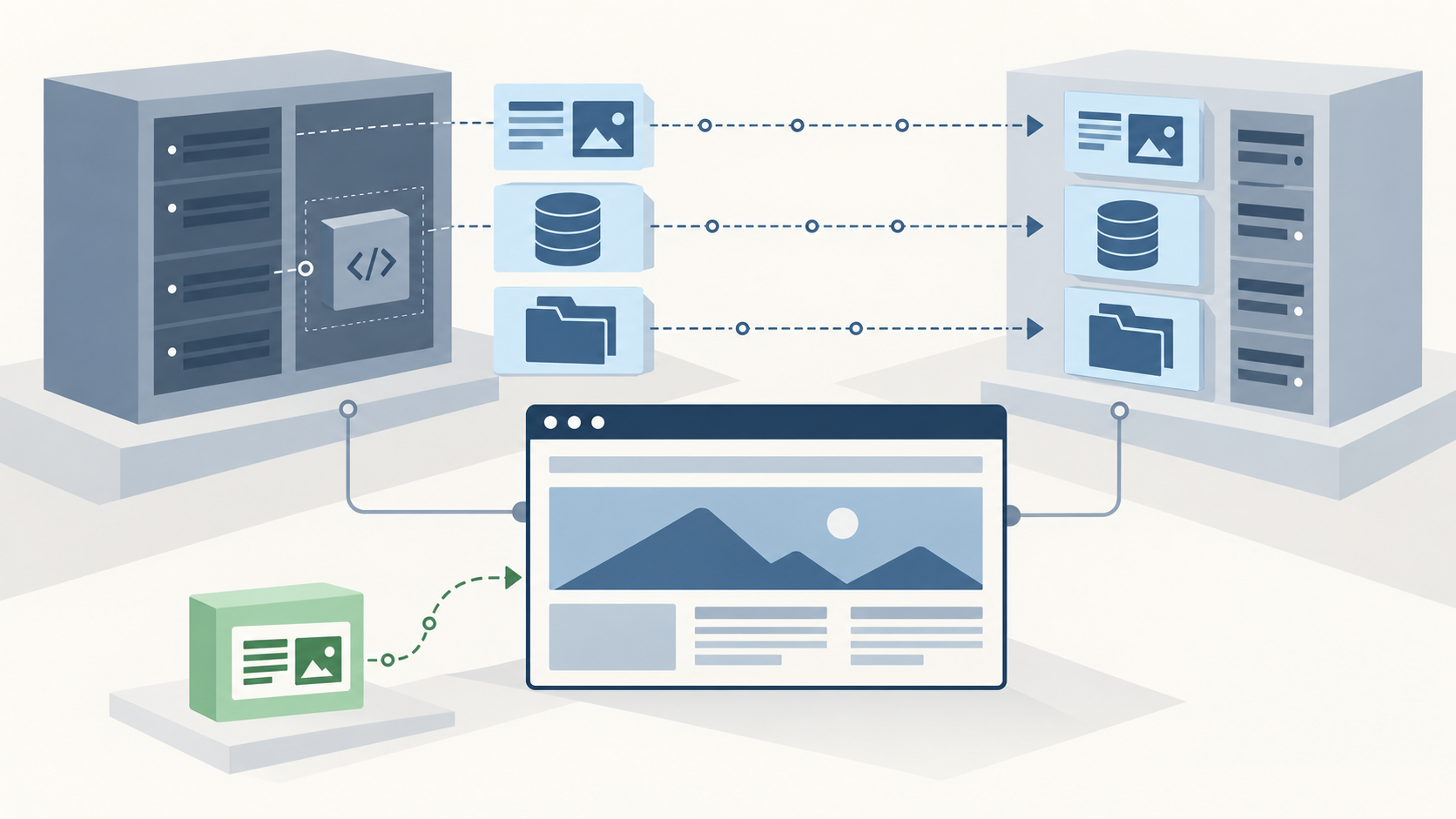
Sometimes. If a website uses conventional, accessible files, a database, configuration and transferable licences, it can often move to another provider without being rebuilt. A site created inside a hosted website builder may allow only a partial move, a content export, or no external operation of the original system.
The first decision is therefore not “Who should rebuild it?” It is “What exactly do we have, what can leave the current environment, and what still needs to work after the change?”
What does moving a website actually mean?
A provider change can describe several different projects:
- A complete system move: the website files, database, configuration, media, accounts and relevant services move to another hosting environment.
- A partial system move: reusable parts move, while provider-specific functions such as forms, search, checkout or membership are replaced.
- A content move: pages, articles, products or images are exported and imported into a different system, but the design and functionality are rebuilt.
- An operational handover: the website stays where it is, but a new company receives the access needed to maintain it.
These routes have different costs and risks. A content export may preserve the words and images while leaving behind the templates, administration, integrations and behaviour that made the website work.
Is the domain separate from the website?
Usually, the domain and the website are separate assets. The domain is the address people use. Hosting is the environment serving the website. The content management system, email and DNS may each be managed elsewhere.
This matters because changing the company that maintains a website does not necessarily require transferring the domain. Likewise, moving the domain registration does not move the website itself. A business may keep its existing domain and public URLs while changing the underlying host.
Before any change, confirm who controls the domain registrar account, DNS records, hosting account, website administration and business email. They may appear to be one service from the outside while being operated through several accounts.
Can the current system run somewhere else?
The strongest sign that a complete move is possible is access to a conventional application package: source files, database, media, configuration, required runtime information and licences that remain valid in the new environment.
WordPress is a familiar example. Its official migration guidance explains that a site can move between servers using its files and database, with configuration changes where necessary. WordPress also advises treating the files and database as one backup set because both contribute to the working site. See the official WordPress migration guidance and WordPress backup guidance.
That does not mean every WordPress site is immediately portable. A theme or plugin may have a restricted licence, depend on an agency account, call an external service, or require a server feature that the new host does not provide. Custom code may also be incomplete or unavailable.
Hosted builders work differently. Wix states that a Wix site must be hosted and operated on Wix infrastructure because it relies on proprietary technology, although the domain can be managed elsewhere. Its export and external hosting guidance is a clear example of why platform choice affects portability.
Does an export contain the whole working website?
Not necessarily. The presence of an Export button is evidence that something can be retrieved, not proof that the complete system can run independently.
Webflow can export HTML, CSS, JavaScript and assets on eligible plans. Its official code export documentation also says that CMS, user accounts, ecommerce functionality, localized content, forms, site search and some other hosted features are not included or will not operate as they did on Webflow.
Squarespace provides an XML export for certain content intended for WordPress, but states that not everything exports because some features depend on Squarespace JavaScript and CSS. Its site export guidance lists what is and is not included.
A useful assessment therefore compares the export with the live website. It should ask whether menus, forms, search, customer accounts, products, payments, bookings, languages, redirects and administration are present and usable, not simply whether a file was downloaded.
What evidence should we collect before deciding?
Collect evidence before cancelling services or approving a rebuild:
- domain registrar and DNS access;
- hosting control panel, server or platform account access;
- website administrator access;
- source files or repository access;
- a current database export and media archive;
- platform exports and a note of what each export excludes;
- theme, plugin, font and other software licences;
- forms, payment services, booking tools, search and other integrations;
- analytics, tag management and search management accounts;
- email services and DNS records connected to email;
- a list of current URLs, including important landing pages;
- recent backups and evidence that they can be restored.
Documentation is useful, but access should be tested. A list of credentials is not the same as confirming that the accounts open, the export completes and the resulting data is usable.
When does a partial rebuild make sense?
A partial rebuild can be the sensible route when the content and visual assets are recoverable but the original platform cannot operate elsewhere. It can also fit when the existing public pages are sound but a hosted form, shop, member area or search feature needs a replacement.
The boundary should be explicit. For example, the project might preserve content, images, brand presentation and URLs while replacing templates and forms. Another project might move the complete content system but replace a licensed theme. This is different from assuming that every provider change requires a new website from zero.
If the main issue is responsibility rather than hosting, a technical handover may be enough. Our Replace Your Developer service starts with access, ownership, code, hosting, backups and current risks before choosing a maintenance, migration or rebuild route.
What happens to existing URLs and search visibility?
A hosting change can keep the same domain and URL structure. Google treats a hosting infrastructure change without visible URL changes differently from a move that changes URLs. Its hosting change guidance recommends preparing and testing the new infrastructure, switching DNS, monitoring both environments and shutting down the old infrastructure only after the new one is serving correctly.
If URLs change, create a page-by-page mapping and suitable redirects. Google’s site move guidance also recommends updating internal links, canonical references and sitemaps, then monitoring the move. Search visibility can fluctuate during a significant change, so no provider should promise an entirely unchanged result.
How does LINK-V assess a provider change?
LINK-V begins with the existing system. We review access, hosting, source files, database, platform exports, licences, domains, DNS, email dependencies, integrations, URLs and backups. We then identify whether the practical route is a complete move, a partial move, a content migration, an operational handover or a rebuild.
Our Migration service covers the assessment, transfer planning, test environment, URL handling, DNS switch and post-launch checks where those are needed. If the existing website can remain in place under new care, Website Maintenance may be the more appropriate route.
The answer should come from evidence, not from the label on the current platform. Before choosing a new provider or approving a rebuild, establish what can be accessed, what can be exported, what can legally and technically continue elsewhere, and which business functions must survive the change.