
Microsoft 365 App and Device Email: What to Check Before the December 2026 Change
Identify applications and devices using Exchange Online SMTP AUTH Basic Authentication, compare supported routes and verify business messages before the December 2026 default change.
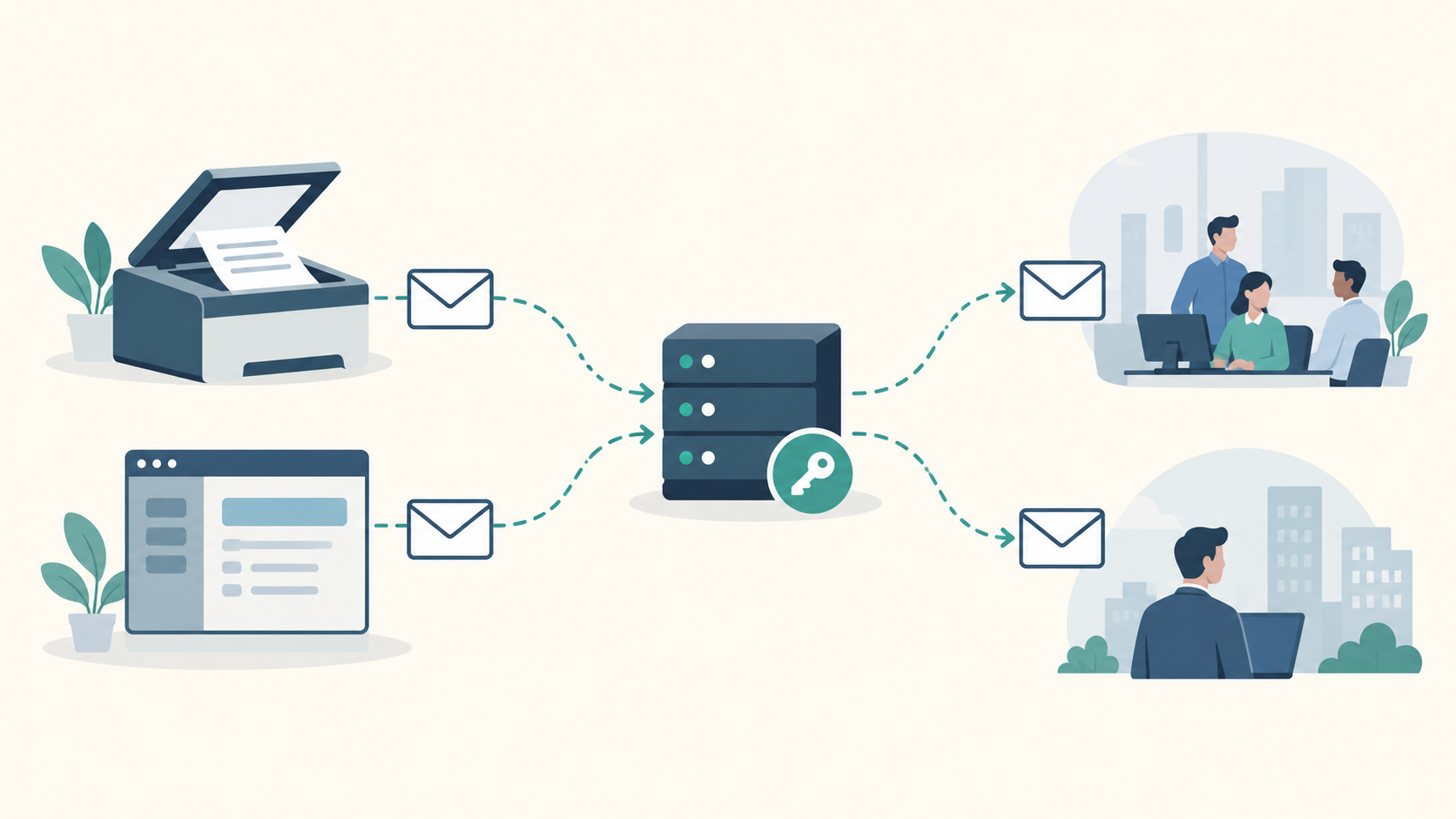
Before approving changes to a scanner, invoicing system or reporting application, establish whether it sends through Exchange Online using SMTP AUTH Basic Authentication. That specific dependency is affected by Microsoft's December 2026 change. An organisation's use of Microsoft 365 does not establish how each application sends its messages.
The practical task is to identify affected senders, confirm a supported continuation route and verify a representative business message before changing the live configuration. That gives an owner or budget holder a basis for deciding which work is necessary.
What changes at the end of December
Microsoft's updated SMTP AUTH timetable says behaviour remains unchanged through December 2026. At the end of December, SMTP AUTH Basic Authentication becomes disabled by default for existing tenants. Administrators can still enable it where needed. This default change is separate from final removal.
For new tenants created after December 2026, it will be unavailable by default, with OAuth the supported authentication method. Microsoft says it will announce the final removal date in the second half of 2027. That is the window for announcing a date, not the date of removal.
This timetable concerns Exchange Online SMTP AUTH Basic Authentication. It does not mean SMTP itself ends, or that every Microsoft 365 mailbox and device shares the same dependency. The revised timetable provides preparation time; it still leaves a concrete configuration change to assess.
Start with the business message
For each important message, ask the supplier or administrator to confirm the actual sending path. An invoice application might submit directly to Exchange Online, use a local relay or send through its supplier's service. These are hypothetical examples, and each needs different evidence. A Microsoft 365 address in the sender field alone cannot settle the question.
Keep a compact inventory with these fields:
- Business message: what is sent, when it is needed and which attachment or content matters.
- Sender and route: the application or device, actual sending service and authentication method.
- Recipients: people inside the organisation, external recipients or both.
- System owner: the person responsible for the sender and its supplier relationship.
- Continuation option: the supported route and any unresolved compatibility or configuration questions.
- Verification owner: the person who will confirm that the required message reaches its recipient.
Record unknowns explicitly and assign someone to resolve them. This makes it possible to distinguish a confirmed Basic Authentication dependency from a sender that requires a separate investigation. It also gives suppliers a specific question to answer before a purchase or configuration change.
Match the route to recipients and hosting
OAuth client submission is one possible continuation route. Microsoft's SMTP OAuth documentation describes the authentication support, including application registration and tokens. The particular application or device must implement the required support, and the tenant configuration must allow its use. A claim that a product “supports SMTP” is too broad to confirm compatibility. Ask its supplier about the exact model or software version.
Microsoft's application and device sending guidance distinguishes routes by recipient reach and operating requirements. Client submission and eligible connector relay can reach internal and external recipients. High Volume Email and Direct Send are internal-only choices in that comparison. Their recipient limits exclude customer invoices or reminders sent outside the organisation.
Connector relay has its own eligibility conditions. It requires an inbound connector, authentication using a certificate or suitable static public IP address, and available port 25. Microsoft excludes relay through this route from third-party hosted services such as Azure. A cloud-hosted application therefore needs its hosting situation checked before connector relay can be treated as an option.
Direct Send also brings email-server administration responsibilities. Another sending service, including the Azure Communication Services alternative described by Microsoft for internal and external mail, needs its own compatibility and operating assessment. The recipient list, hosting environment and available support determine which choices deserve investigation. Hardware replacement is a decision to justify after checking supported options.
Verify the message before the live change
Agree who will make the change, who will check the business result and who will handle failures afterwards. Use a representative message with the required sender identity, content and attachment. Follow it from submission through to receipt by the intended recipient, including an external recipient when the business process requires one.
Successful authentication confirms only one part of that journey. A supplier's confirmation of support and an administrator's successful connection test still need the business receipt check. Schedule the live change once the dependency, compatible route and verification responsibilities are clear.
If you need help assessing the requirements around an application or device sender, we can discuss the scope through our email infrastructure service.