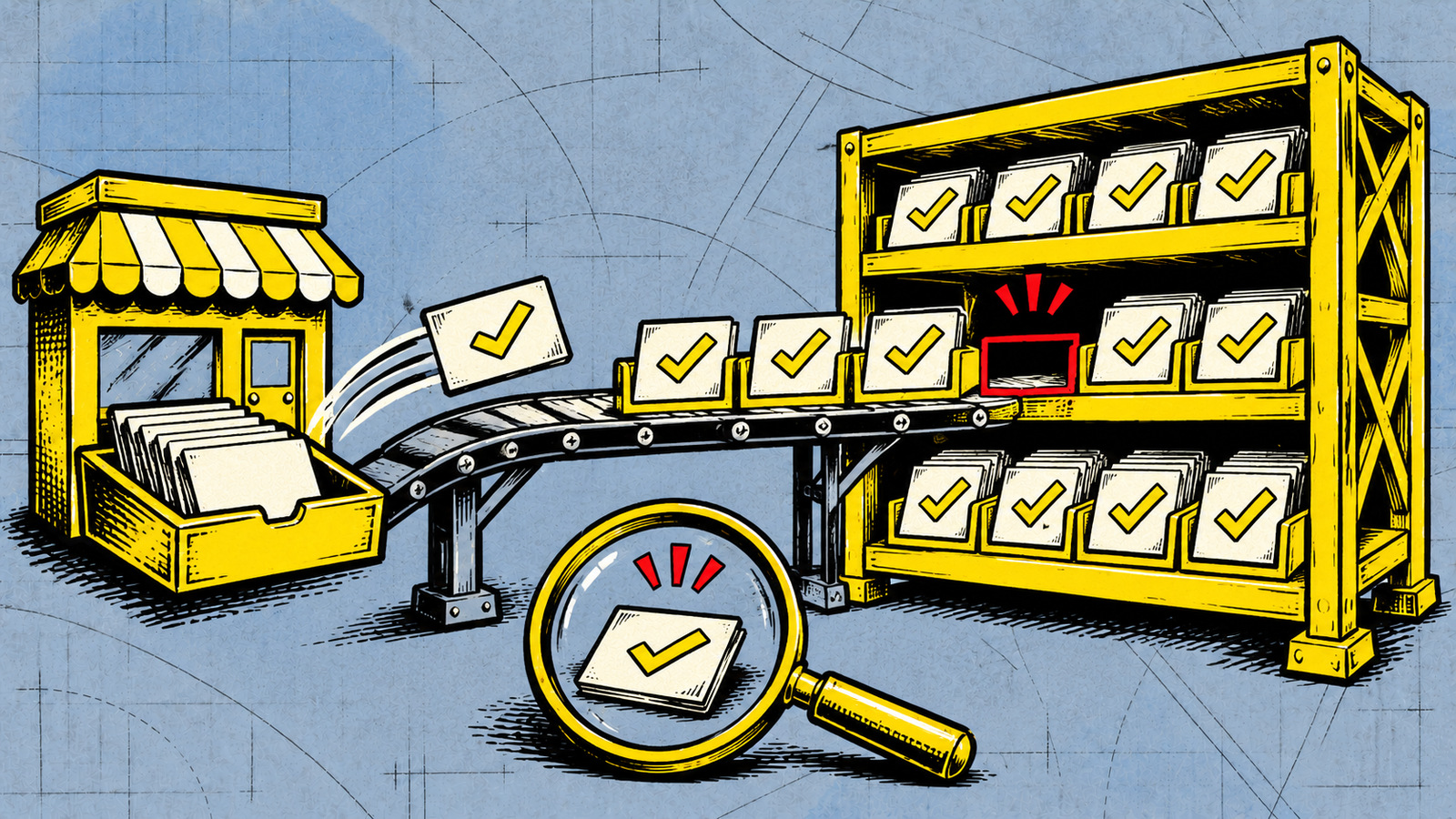
To find an order that never reached another system, compare the orders that should have arrived with the records actually there. Agree which orders count, how long delivery can normally take and who investigates a mismatch. A working connection or an accepted notification tells you less than that completed business check.
Which orders should appear in the other system?
Imagine a shop that sends paid orders to a fulfilment service. An order becomes ready for the warehouse after payment is confirmed and any required review is complete. An order that is still unpaid, cancelled or waiting for review may correctly be absent. Decide which system determines that starting state and which record should appear at the destination.
Give each order a stable source identifier that the destination can retain or match. Agree which status and time belong in the comparison, including the time zone and any orders intentionally handled elsewhere. Comparing equal totals can hide one missing order and one extra record. The reviewer needs to be able to match the actual orders.
Does a successful notification mean the order arrived?
A webhook is a message one system sends when something changes. The receiving system may accept the message and still fail to finish the work. Shopify’s webhook guidance describes possible delivery and processing failures and recommends periodically fetching source data to check consistency. That is a specific platform’s approach. Ask your supplier what the supported check is for your integration.
Have the team show a paid order at the source and the matching warehouse record. Ask what proves the destination finished processing it. Then ask how a failed or delayed order becomes visible to someone who can act. A suitable integration product may already provide this comparison and an exception list.
When should someone investigate a difference?
Agree a normal delivery window with the operator based on the workflow and service limits. An order still within that window needs different treatment from an order the warehouse should already have. Make clear when the window starts and whether weekends, scheduled jobs or a review stage change it. Set the comparison schedule so the responsible person can investigate in time for the next business step.
Still within the agreed window
Show the order as waiting and record when the next check is due. Ask the operator to confirm that it is still progressing if the destination has not yet recorded it.
Expected order is missing
Give the reviewer the source identifier, relevant status and time, and the destination that should contain it. Record who is investigating and when to escalate if it remains unresolved.
Order exists but differs
Check whether the difference is expected, such as a later cancellation or partial fulfilment. Ask which system is responsible for the field that differs before anyone overwrites it.
Can the operator safely recover the missing work?
Before approving a resend or repair, ask the operator to check whether the destination already acted. A missing row on a screen can coexist with a shipment, invoice or other completed action. Have the team demonstrate a supported recovery route that checks the existing effect and can be repeated safely. Our guide to repeated integration updates explains the retry decision in more detail.
Keep the missing order under a named reviewer until they have verified the result in both systems. If the supported recovery cannot establish what happened, agree who can authorize the next step. Payment, shipment and invoice actions need their own checks and permission before they are repeated.
What can a comparison of current records miss?
Ask what data the check can actually read. Permissions, retained history and the number of records returned can limit its view. A request that returns one page of results may leave more records unread. A comparison may also miss an order created and then removed before it ran. Fetching today’s state cannot be assumed to reconstruct every earlier event.
Shopify’s Shop Pay monitoring guidance illustrates retrieving records with a source identifier and adapting the queries to fetch the needed data, including further pages where necessary. Use that as a question for your operator about coverage and limits. Agree who can access the comparison and retain only the customer information required for the check.
Before signing off, have the team demonstrate one completed order and a controlled missing-record example with safe test data. Keep a short agreement covering the orders compared, the matching identifier and status, the allowed delay, the reviewer, the escalation contact and the supported recovery route. If those responsibilities change the proposed work, include them when comparing integration scope and quotes.
Discuss how your systems should handle missing orders
We connect business systems through APIs. Bring an example order, where it starts, where it should appear and who handles it next. We can discuss the checks and responsibilities your integration needs.
Discuss your API integration
Questions about missing integration records
Does a successful webhook response prove an order was processed?
Ask what that response confirms in your integration. The receiving system may accept a notification before completing the destination record. Check the matching order and the business state you agreed to verify.
How long should we wait before treating an order as missing?
Agree the normal delivery window and its starting point with the operator. Take account of scheduled processing and required reviews. Name who checks an order once it is overdue and where it is escalated.
Can we just send the order again?
Have the responsible operator check whether it already caused a shipment, invoice or other action. Use a supported recovery route with permission to act and a check against repeating completed work.
Will a current-state comparison find every lost event?
Its coverage depends on what records are still available, what it may read and whether it fetches all the required results. Agree what history and intermediate changes it can miss, and how those cases are investigated.