Meet Grace WebCompare
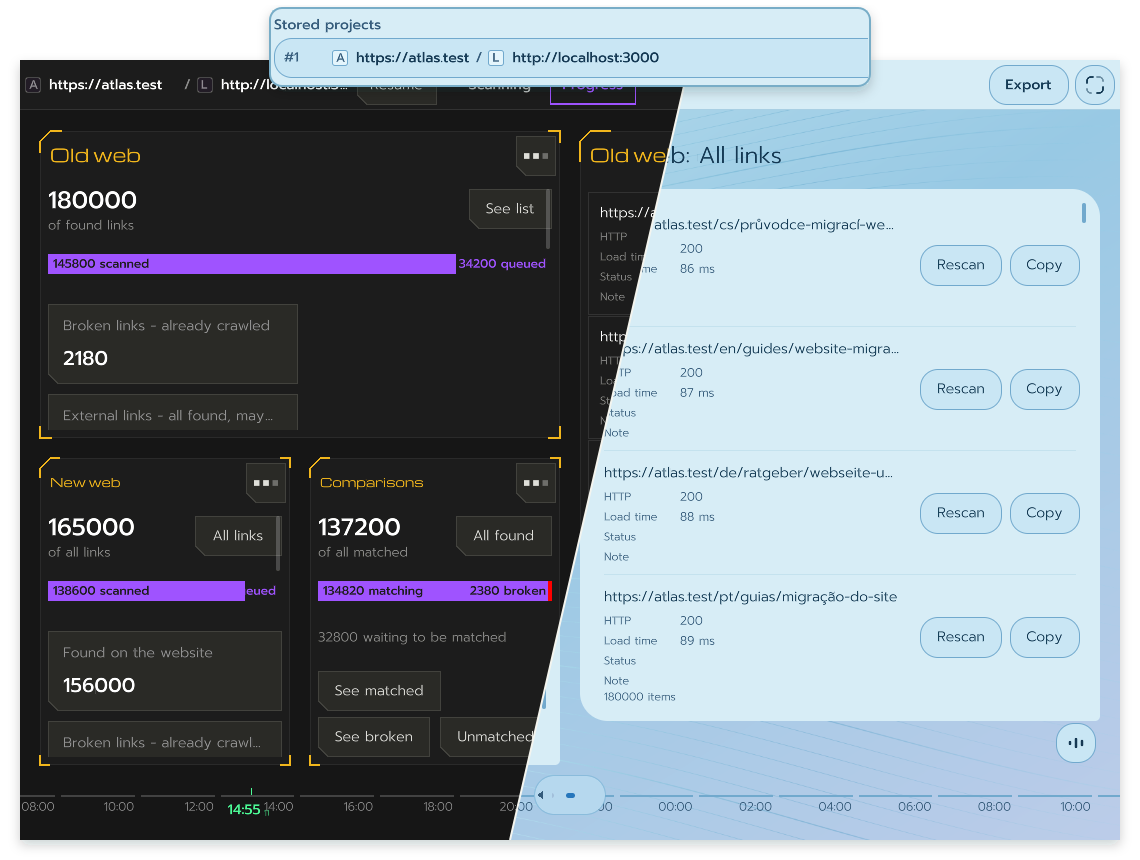
When you rebuild a website, a page can look right and still have a broken link, a redirect to the wrong place or a missing search description. Grace WebCompare puts the original and the rebuild side by side so you can see what changed before you switch over.
Grace WebCompare shows what changed between the original site and the rebuild.
Start comparing as soon as the rebuild runs locally or on a staging site. WebCompare checks how each URL responds, where it redirects and which pages link to it. It also compares page titles, descriptions, main headings and canonical URLs. You can scan a single site when all you need is a check of what’s already there.
When you fix something, rescan that URL and keep the rest of your results. You can leave notes on individual URLs, share a PDF summary or export the results to Excel so the team can work through the findings.
A new look and a more direct way to move around
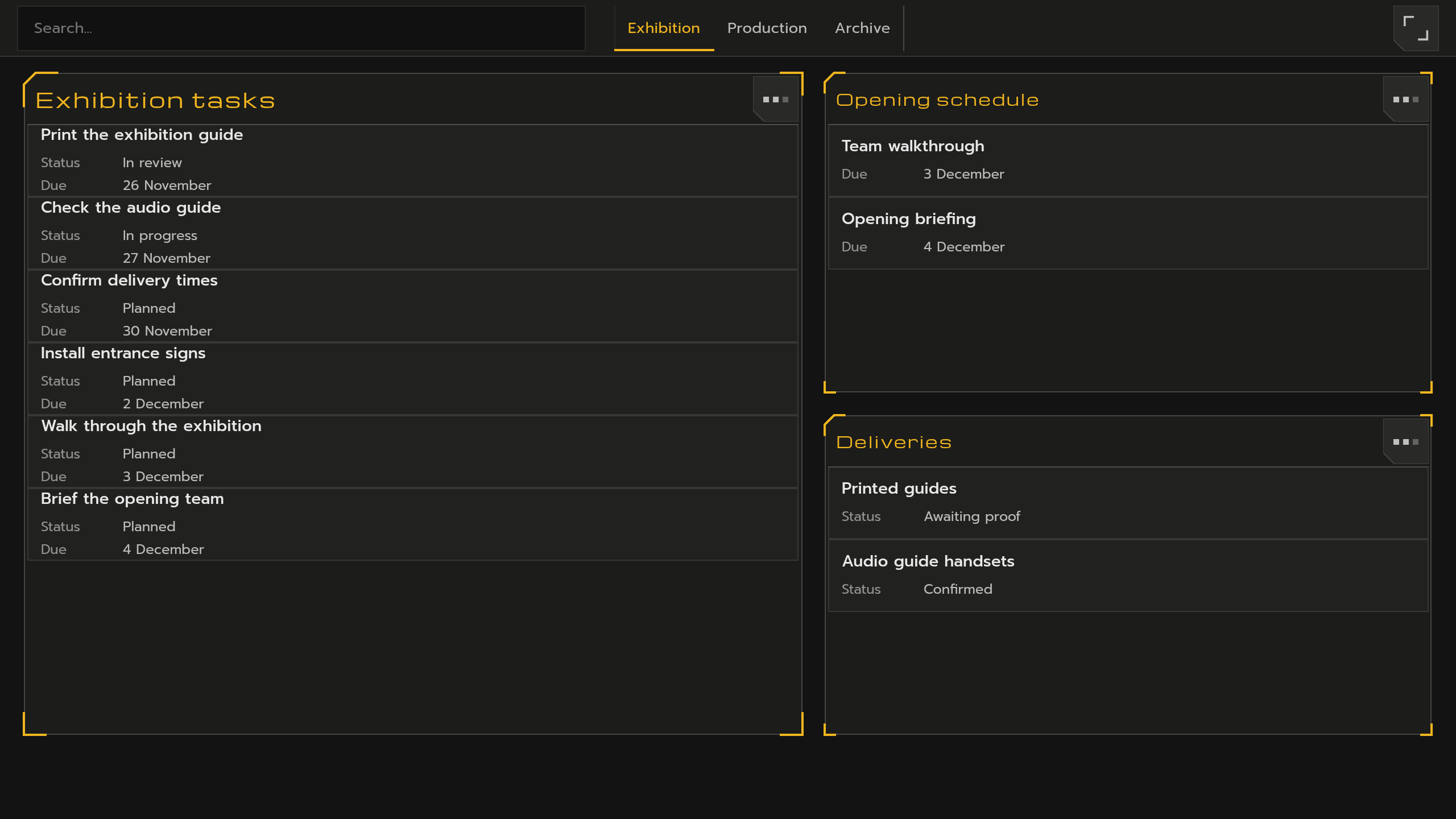
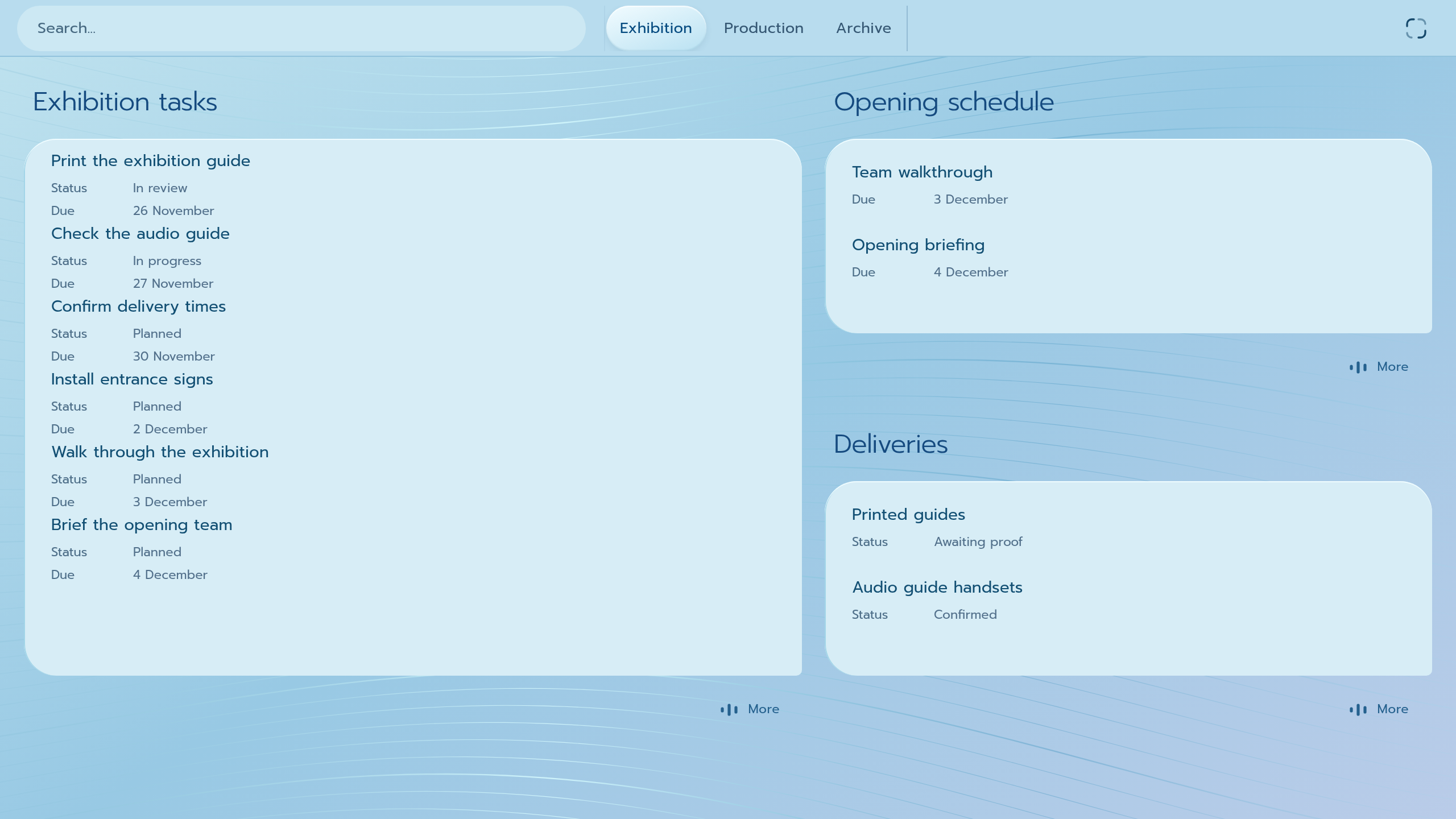
Halo gives Grace a light blue workspace, rounded panels and labeled controls. You can switch between Halo and the dark, angular Original style from the workspace controls. Grace remembers your choice.
The same Grace workspace in Original and Halo.
Your layouts, search results and full Dex views now sit on one continuous horizontal strip. Swipe or use the keyboard to move between them. You can go from a layout to a search, open a record, then return to where you started. Grace remembers your place when you reopen the workspace.
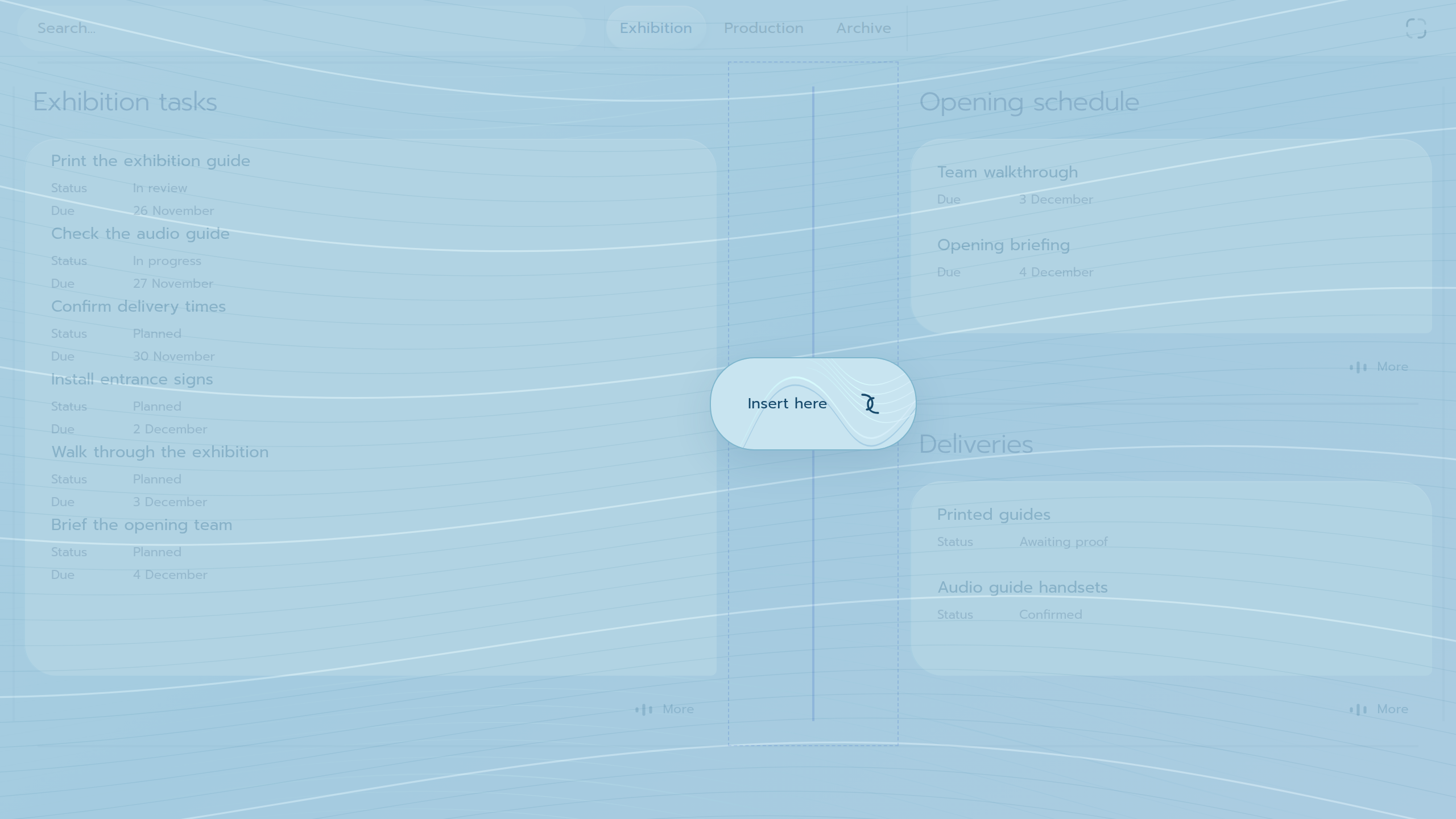
Editing a layout is more direct, too. Drag a boundary to resize a cell, preview a split or insertion before applying it, or drag one cell’s contents onto another to swap them. You can adjust the spacing between cells and undo or redo layout changes from the workspace controls.
Preview where a new cell will go before inserting it.
Find a record and choose how to open it
Search looks at both the names of content sections and the records inside them. Results open in browsable views, so you can go straight into a matching record. If you find a section you’ll use again, choose Add to my layout and place it in your workspace from the results.
Small panel
Click or tap a record to open a compact view for a quick check or edit. You can keep the panel floating or place it in a grid cell.
Full Dex
Right-click or hold to give the record a full workspace. If you open a related record from there, you can return to the previous form and pick up where you left off.
Set up each view for the work you do there
A table makes it easy to compare the same fields across many records. A list gives each record a simpler row. A list with an inline detail lets you work through records one by one while keeping the list beside you. You can switch between these views and choose which columns and actions to keep close at hand.
Forms are more flexible too. Put frequently used fields first, hide fields you rarely use and choose a calendar picker when that’s how you prefer to enter a date. If you have unsaved changes, Grace asks before switching away from the record.
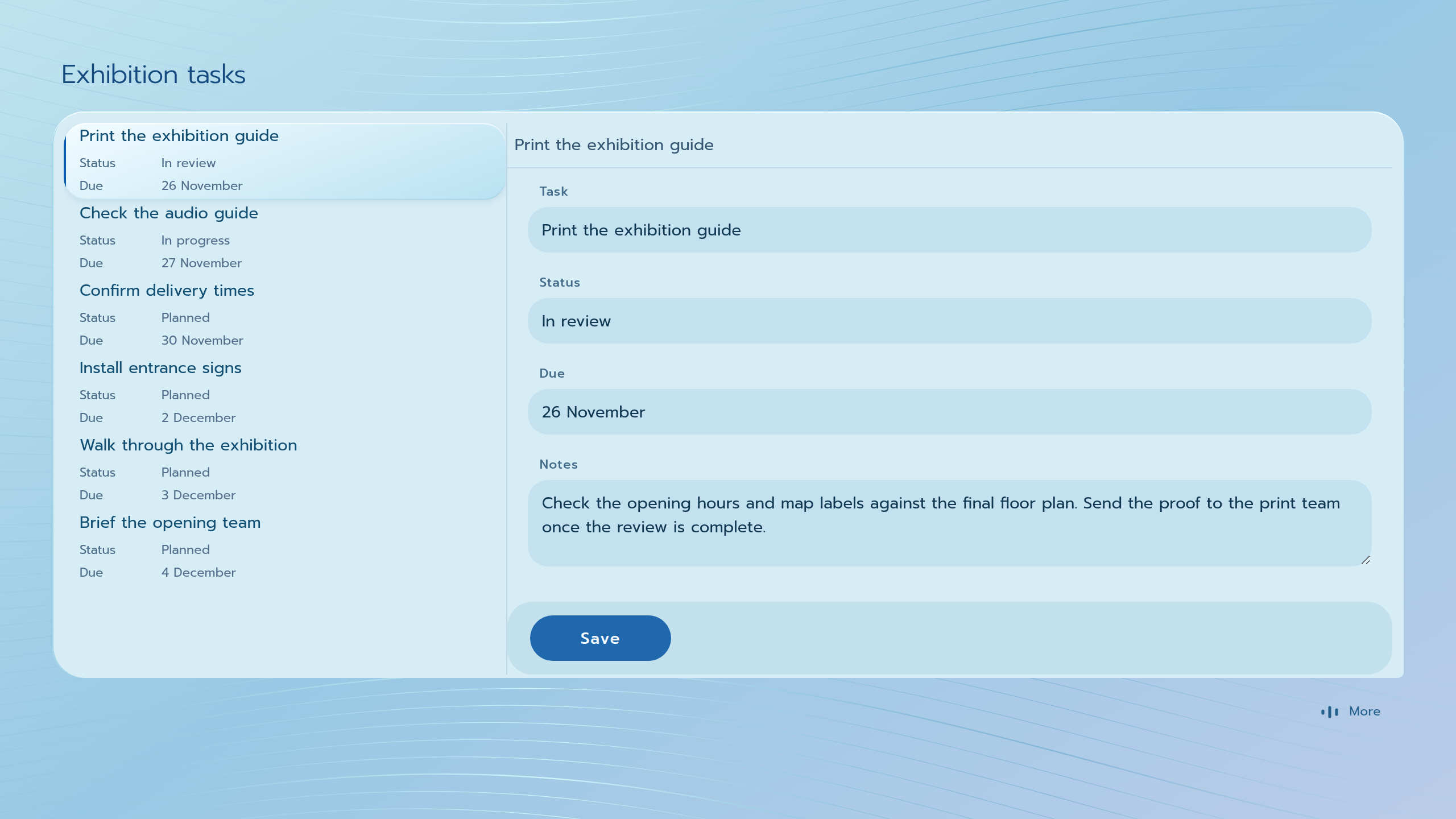
Keep the list beside the record you’re editing and move through the work in order.
The selected task stays visible in the list while you edit it alongside.
Edit text and replace files where you work
The rich-text editor handles selections across paragraphs and list items more consistently when you copy, paste or apply formatting. Undo and redo also cover changes that span several blocks.
To add an internal link, search for the content or uploaded file from the editor and select it there. To update an attachment, open its preview and replace it from the same panel. Upload fields show progress and flag failed uploads.
A clearer timeline and more useful numbers
When several notifications arrive close together, the timeline groups them. Open the group to see the individual events. Notifications with a related record or panel can take you straight there.
Analytics now show median visit duration and session breakdowns for views such as exit links and URL parameters. Large tables load rows in batches as you scroll. When you add a summary to a filtered view, its total covers all matching records, including rows farther down the list.
Questions about Grace 4.1.2
Can I check a website before the rebuild goes live?
Yes. WebCompare can compare the original with a rebuild running locally or on a staging site. After a fix, rescan the affected URL to check it again.
Where do I switch between Original and Halo?
Open the workspace controls and choose your preferred visual style under Theme.
How do I open a full Dex with the keyboard?
Focus the record and press Shift+Enter. Press Enter for the small panel.